
Updated October 9, 2026.
Apple TV 4K is worth comparing if you want a separate streaming box and already use Apple devices. The useful buying question is whether its apps, connections and controls fit your television. This guide uses published specifications rather than claiming hands-on benchmark tests.
Compare the exact model before buying
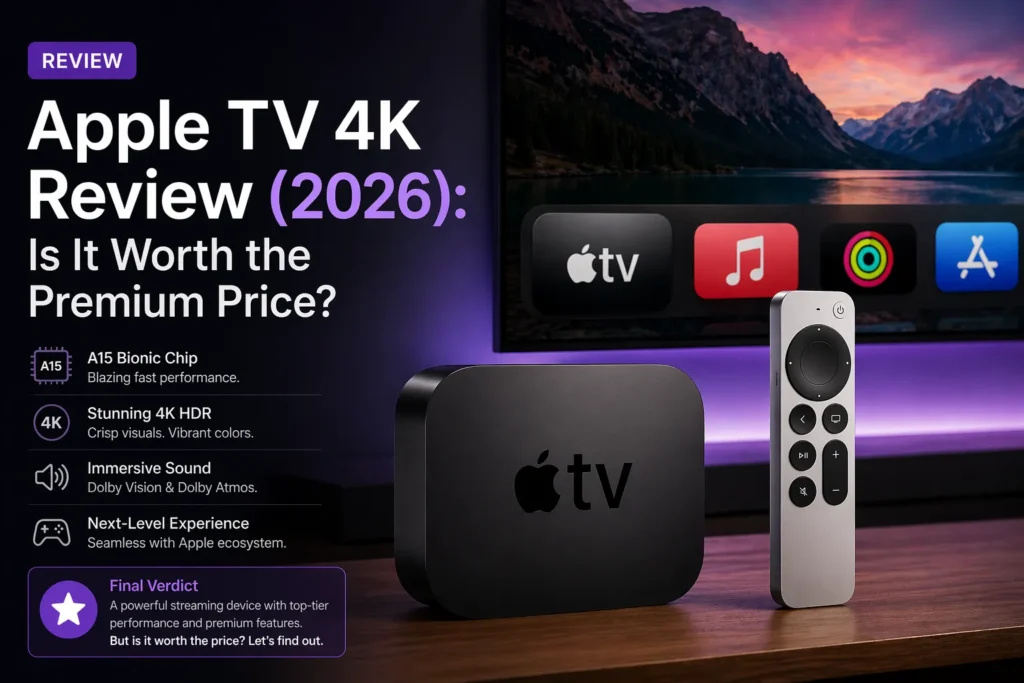
Apple's published Apple TV 4K specifications list the A15 Bionic chip, a 64GB Wi-Fi model and a 128GB Wi-Fi + Ethernet model. The Ethernet model also lists Thread networking support. Check the official specifications against the model in your basket, particularly when buying older or refurbished stock.
Check apps before comparing hardware
List your essential streaming subscriptions and confirm that their apps support Apple TV in your country. A television box does not include every service advertised inside an app. Rental purchases, channel subscriptions and player licences may have separate charges.
If you use an IPTV account, confirm the player and account format first. An Android or Fire TV installation guide cannot automatically be used on tvOS. See our player comparison and ask your provider about compatibility before paying for an app.
New buying checklist: TV, network and household
- Check the TV's HDMI inputs and supported picture formats.
- Decide whether you need a wired network connection before selecting the model.
- Try the remote layout if accessibility or button preference matters.
- Confirm the subscription's simultaneous-stream allowance for your household.
- Compare the full device price in your local currency, including accessories you actually need.
When another device may fit better
If your TV already runs every app you need reliably, first identify what a new box would improve. If one missing app is the reason to upgrade, check that specific app across devices before comparing storage or processors. Use the streaming-device buying guide for a broader checklist.
Does the box guarantee 4K viewing?
No. The content, subscription tier, app, TV and connection must support the intended quality. A device's capability is different from the resolution of every stream you open.